Fewer manual steps
One request can bring together operations you would otherwise perform separately for each folder or file.
AI agents in Nivlo
Describe the outcome you need. An AI agent can turn your request into steps involving your company’s files, using the available operations and the access it receives.
An AI agent is a software assistant that can understand a request, plan the steps and use tools to carry out a task. In Nivlo, its working context consists of the account, sections, folders and files it can access.
One request can bring together operations you would otherwise perform separately for each folder or file.
The same organisation rules can apply across campaigns and projects, reducing the need for later corrections.
Your team can focus on selection, feedback and delivery while spending less time preparing the materials.
Identify the project, files and working rules. Clear context makes a task easier to review.
It uses the Nivlo operations available to your connection and account. Actions depend on the access granted.
Check the materials and outcome before moving to the next stage of your project.
Scenarios to discuss in a demo. The screenshots show the real Nivlo workspace; which steps can be automated depends on the AI access available.
Marketing
“Help me prepare the materials for the spring campaign.”
The benefit for your team: Less time gathering materials from the same campaign.
Explore the complete workflow ↗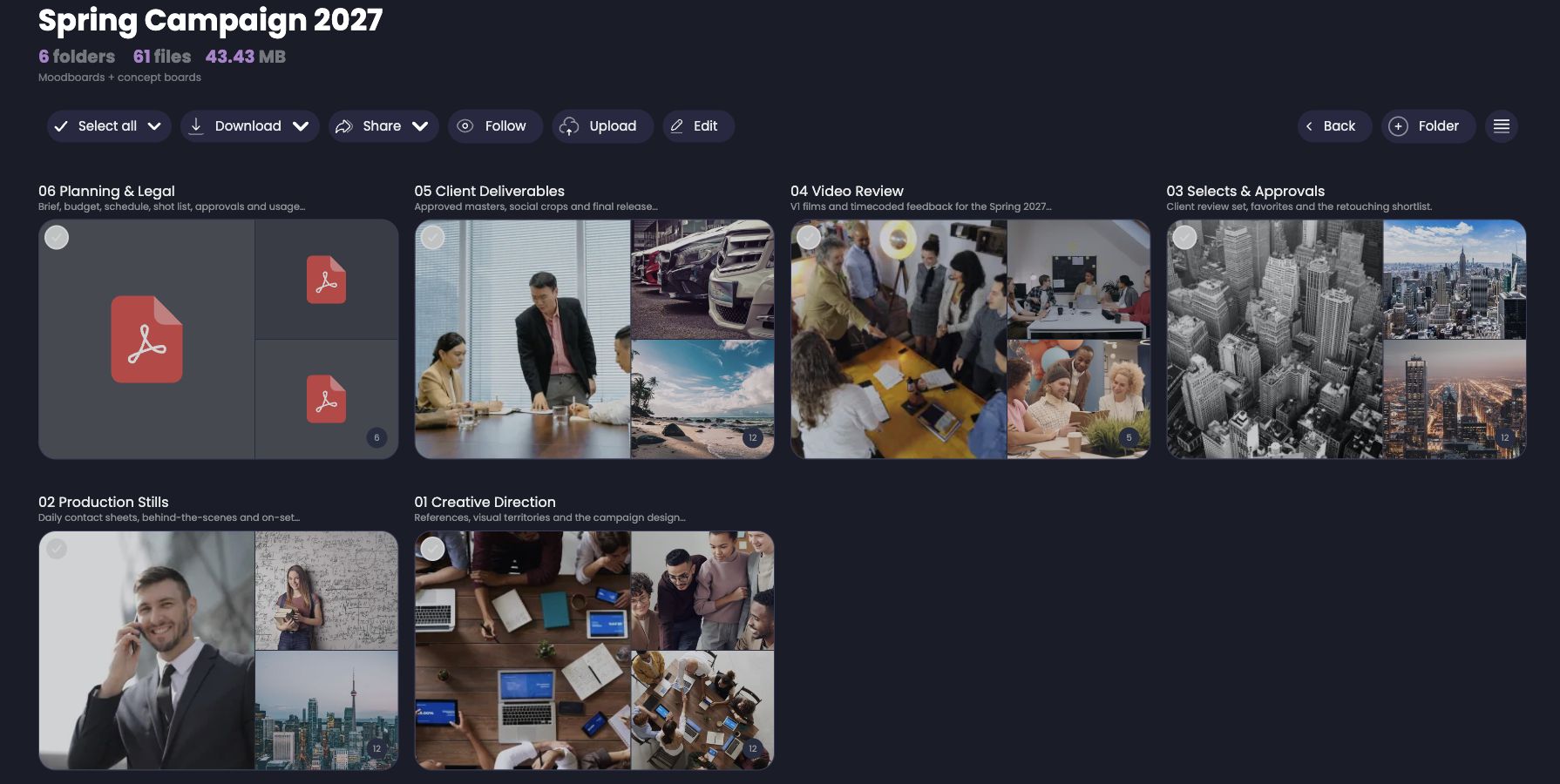
Agencies
“Show me the materials to review for this client project.”
The benefit for your team: Less searching between projects before a feedback round.
Explore the complete workflow ↗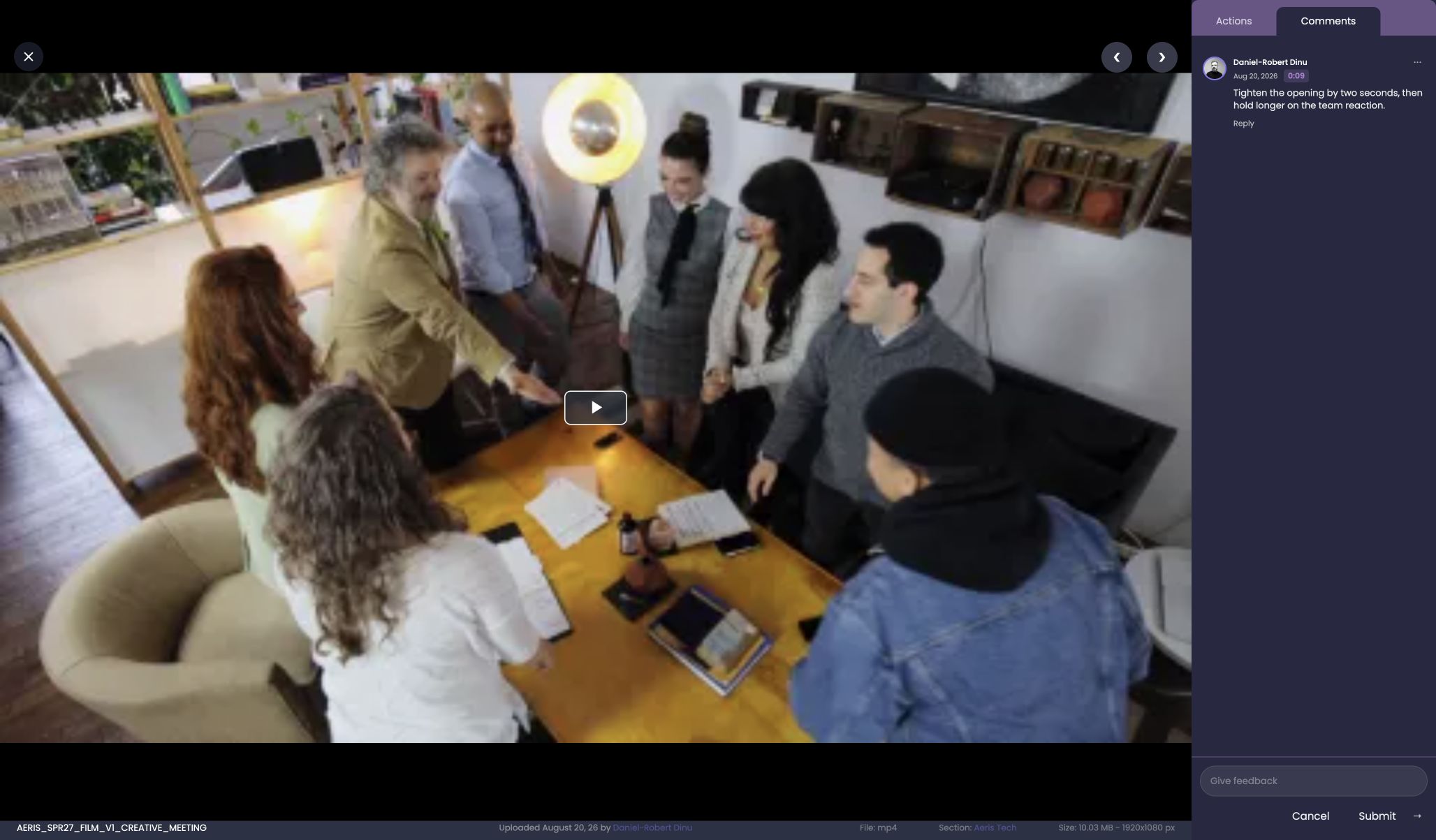
Events
“Find the event materials for the communications team.”
The benefit for your team: A simpler path from the event archive to a communications selection.
Explore the complete workflow ↗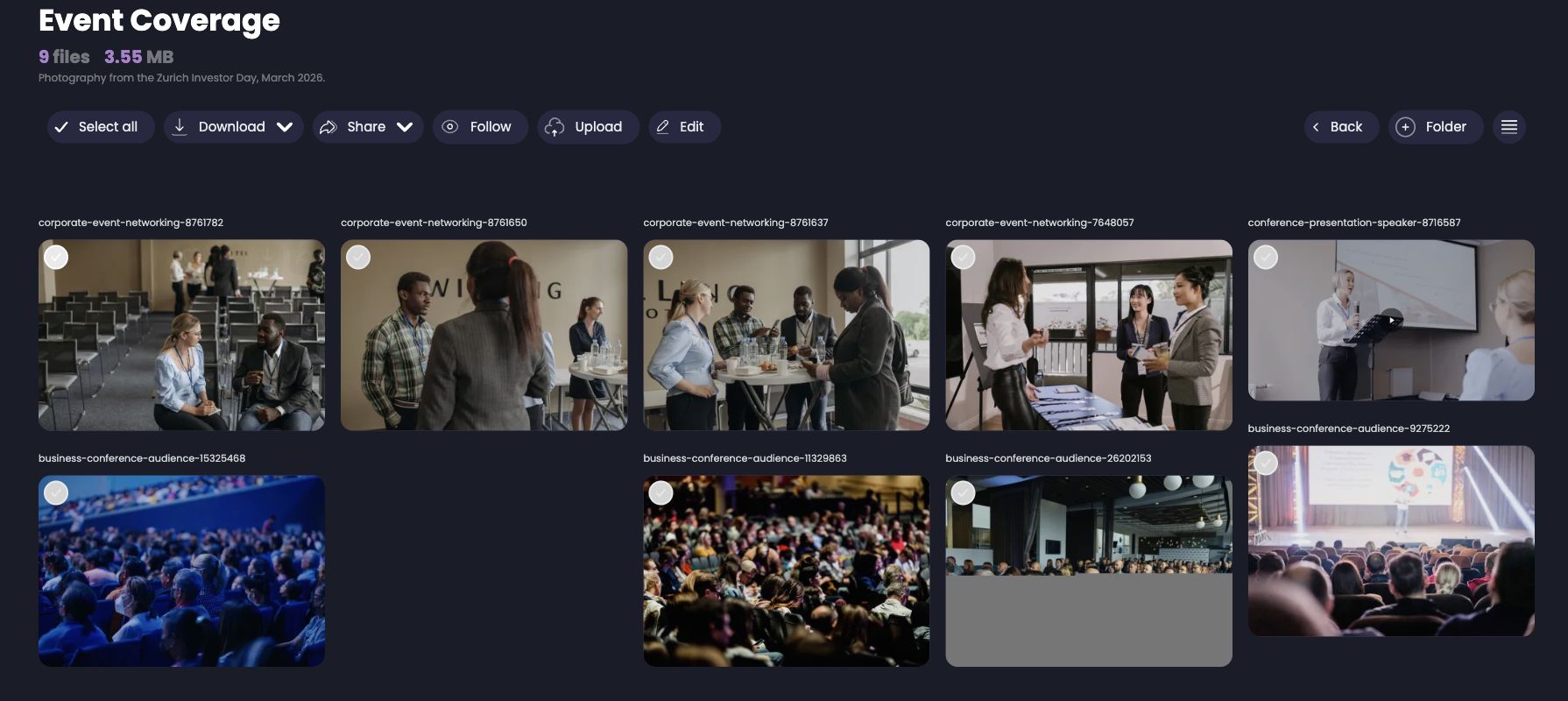
Communications & PR
“Help me identify the materials for the press kit.”
The benefit for your team: A clear starting point for the next press request.
Explore the complete workflow ↗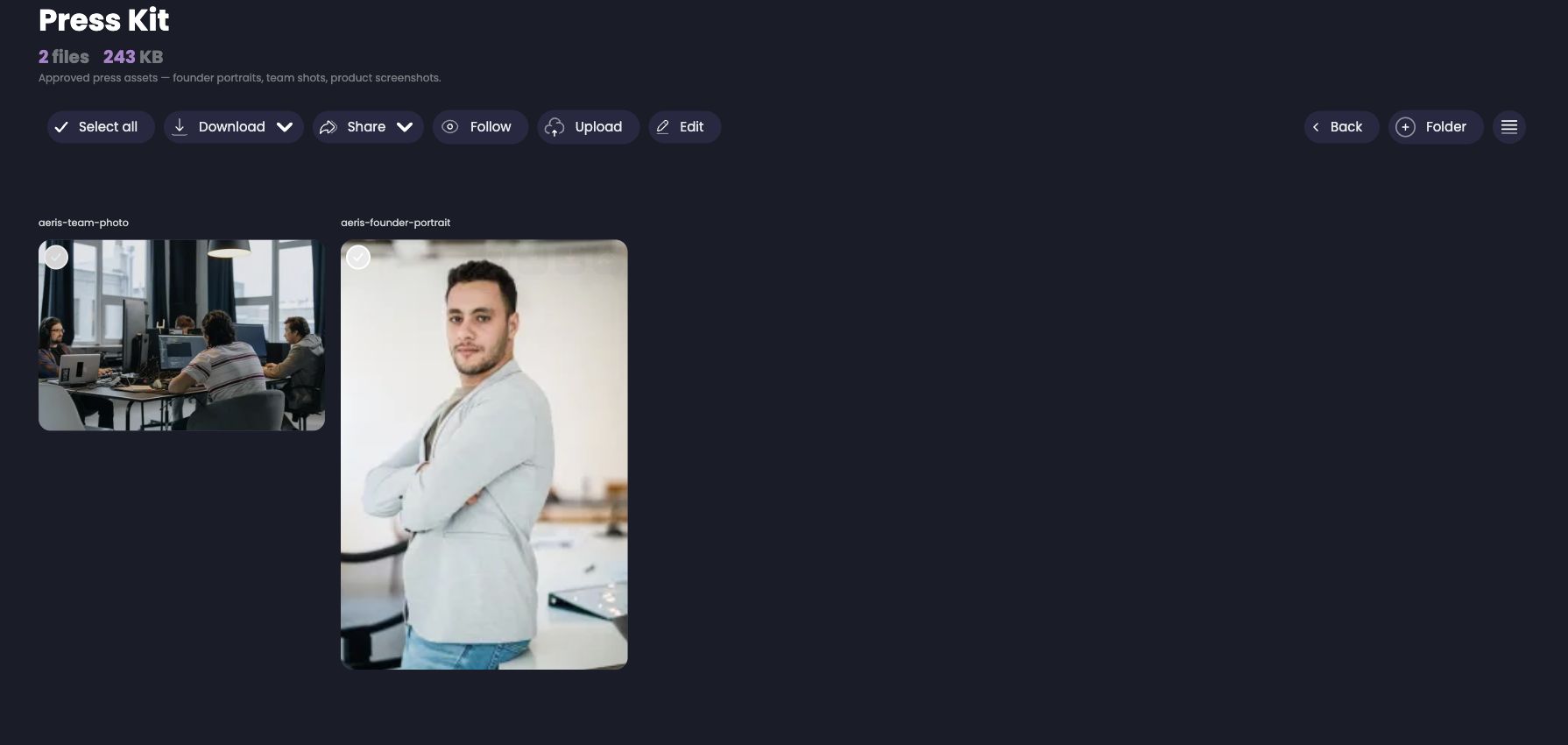
MCP is a standard that lets a compatible agent use tools provided by Nivlo. File access and available operations are defined for your connection. In a demo, we review your chosen agent, relevant sections and the tasks you want to simplify.
Access depends on the connection and granted permissions. We define the sections and operations needed for your team’s workflow.
Not every interface operation is necessarily available to an agent. We confirm the features available to your connection before setting up the workflow.
You do not need programming skills to describe a task. Connecting an external agent may require technical setup; we discuss the right option for your team.
Self-hosting is available with the Enterprise offering. Contact us to discuss the requirements and terms of a dedicated deployment.
AI agents in Nivlo
AI agent features are in active development with gradual access. Availability varies by feature, connection and account. Contact us to confirm what your team can use.
Discuss a workflow for your teamLeave your email and we’ll let you know when we open access. No spam.