Step 01
Receive creative assets from suppliers.
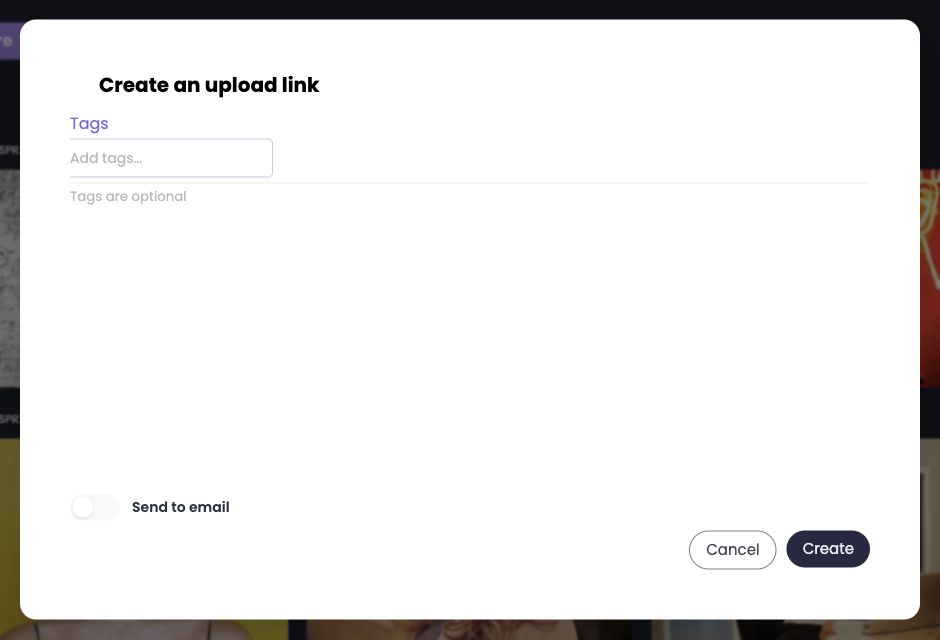
Set up a campaign folder and an upload link. Your agency, photographer or producer sends assets into the team’s workspace.

Keep brand assets, creative work and campaign deliveries within reach of your team and partners.
Explore the workflow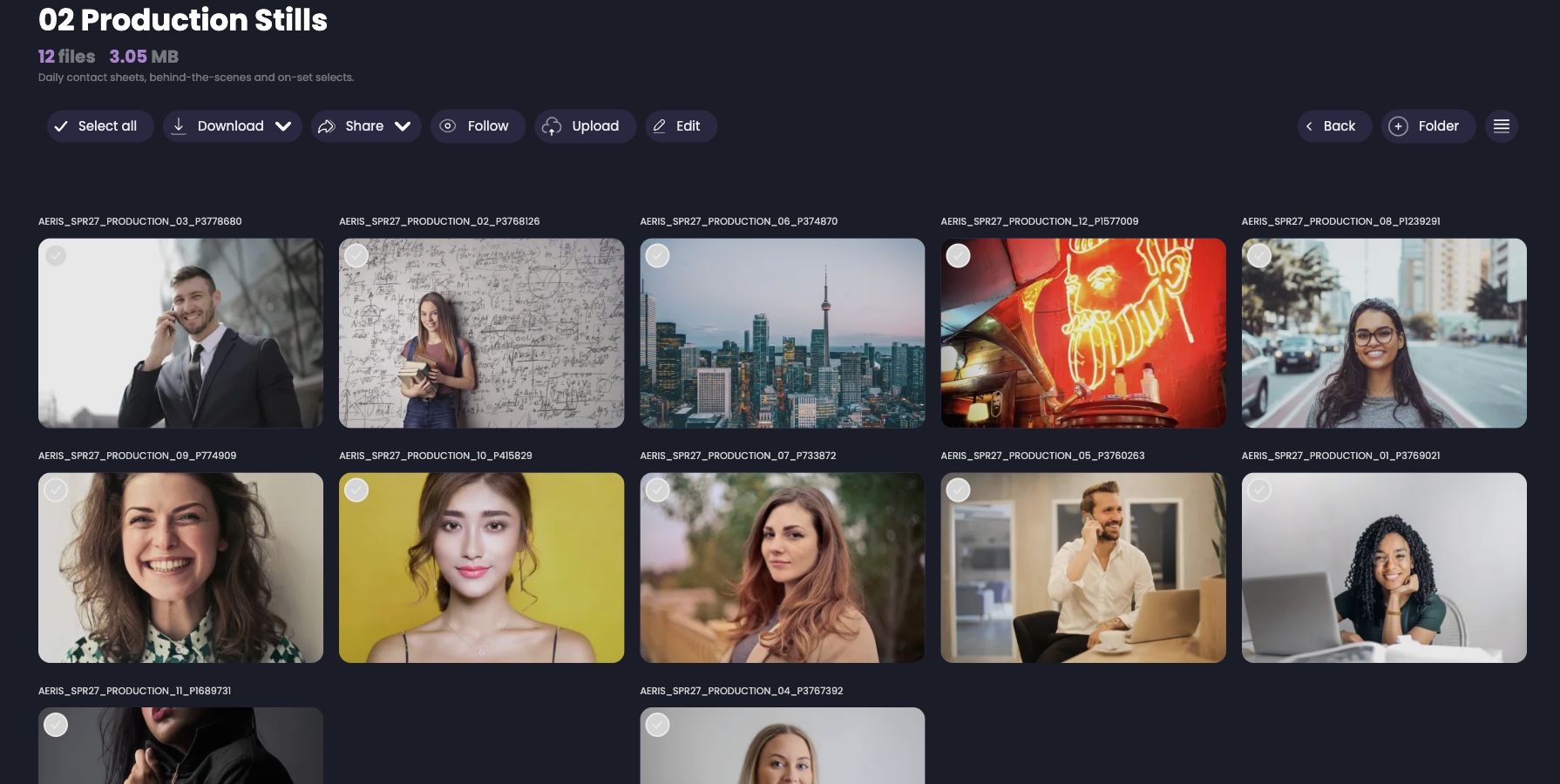
Before the next handoff
When a campaign is scattered across emails, chats and folders, every handoff starts with a search. Bring assets and feedback into a shared workspace.
Marketing teams
Set up a campaign folder and an upload link. Your agency, photographer or producer sends assets into the team’s workspace.
Keep briefs, creative direction, photos and deliverables in folders within the same campaign. The example structure is a team convention.
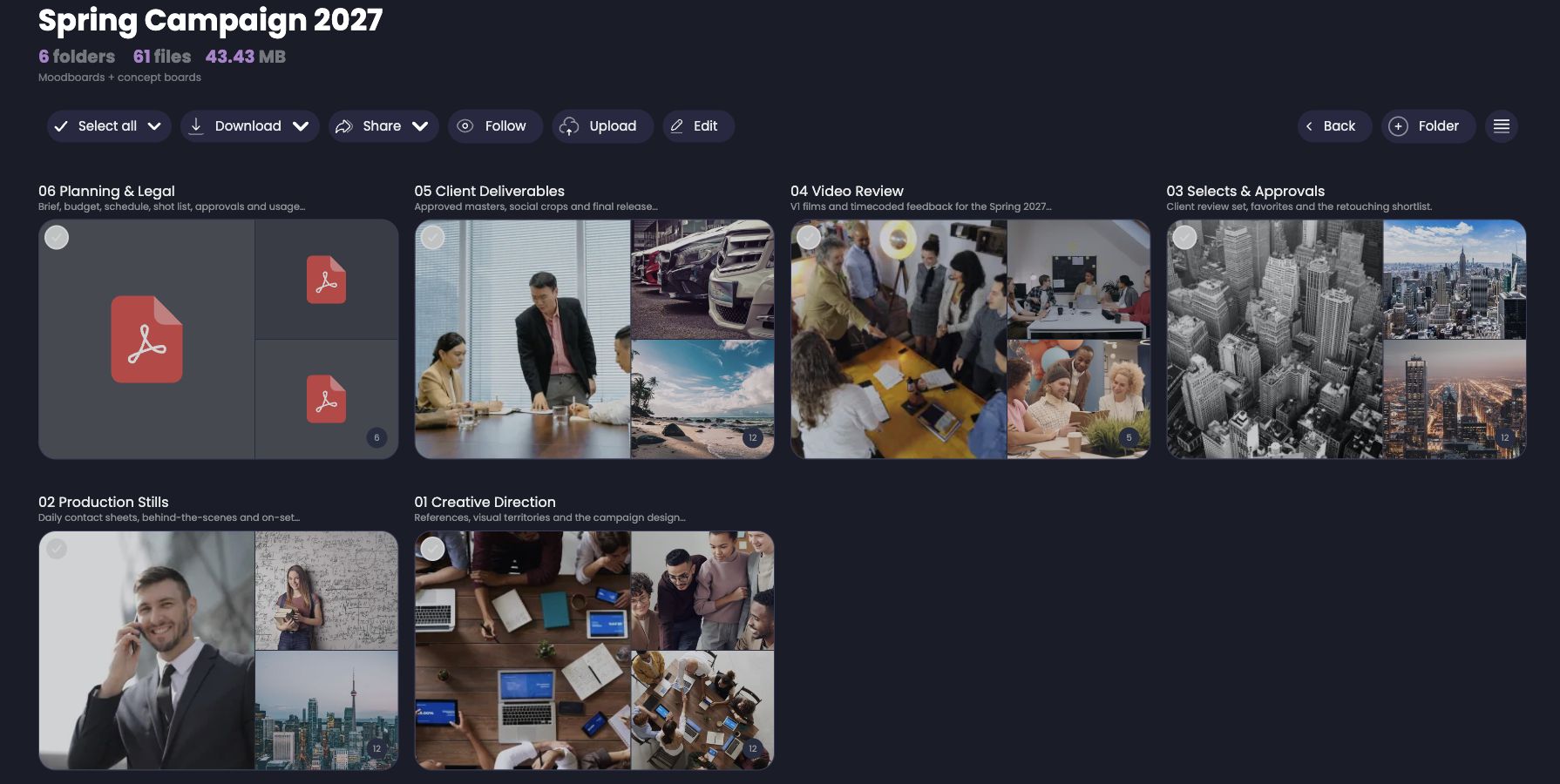
Browse the gallery, open files and keep feedback in context. Use versions for iterations on the same asset.
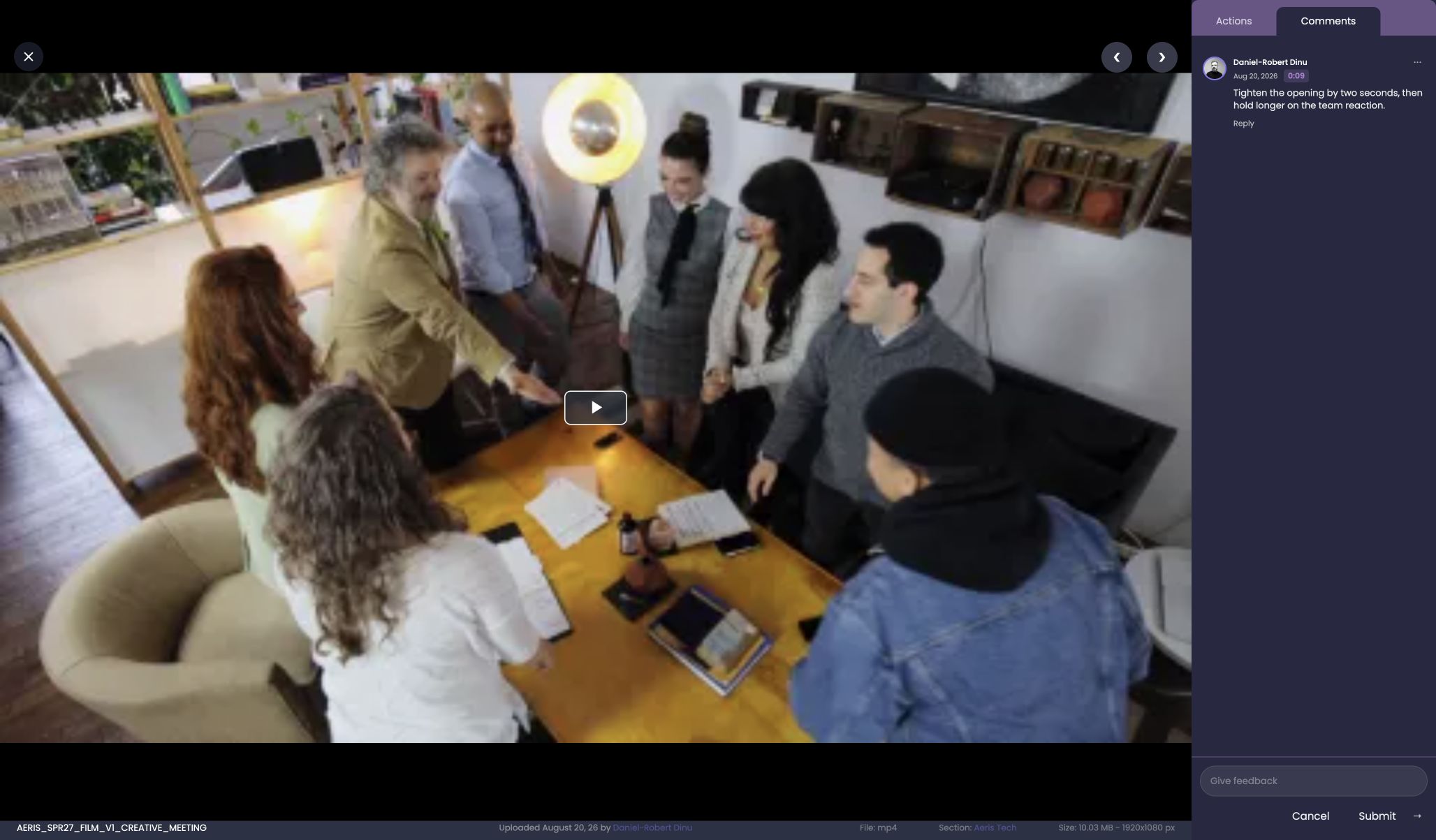
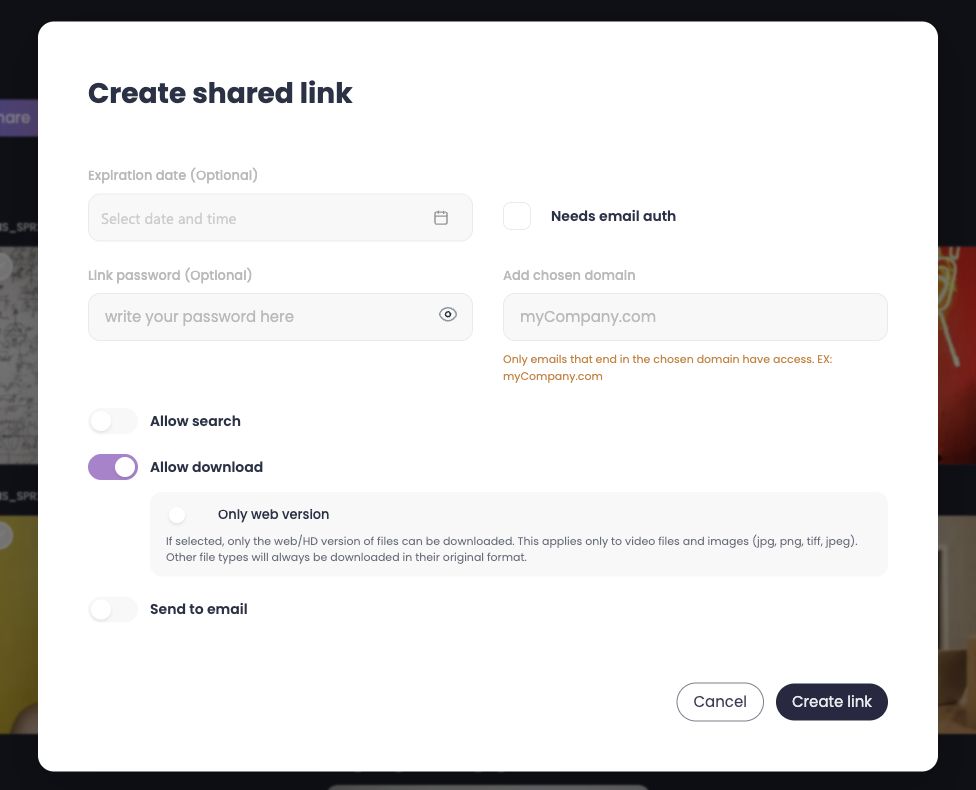
Prepare the delivery folder and configure a share link: expiry, downloads and access protection according to your plan.
Yes. Organise assets into folders and subfolders. Sections separate teams or work areas on plans that include them.
We do not claim automated approvals. Your team defines its feedback process and final decision; a folder name such as “Selects & Approvals” is simply a demo convention.
Show us how you receive, organise and share your assets. We’ll walk you through a Nivlo workflow that fits your team.
Book a demoLeave your email and we’ll let you know when we open access. No spam.